(iPhone · Android · Mac · Windows · web)
One system for making your own samples. Record on any phone, sample what your computer is playing, or record in the browser. Trim, clean and slice it in the editor. It arrives named, tagged and filed in one folder on your desktop, ready for your DAW, sampler or hardware. Everything that happens to a sound before it is in your track, in one place instead of five apps.
Currently in beta.
We add people in small batches — we'll email you when a spot opens. Already in the beta? Sign in.
(Signal path)
And it flows back: any capture reopens in the editor from your phone, from the library, or with a right-click on the file itself.
Four steps, and only the first one needs you. Delivery is one of them, not the whole story.
Record on a phone, off your computer, or straight into the browser.
It lands in your Squidbrain folder by itself, named and tagged. No exporting, no AirDrop.
Trim, clean, filter, pitch and slice it in the editor, on the big screen.
Drop it into your DAW, and reopen it any time for another pass.
(Capture)
Three ways in, one clean WAV out. Whatever made the sound, the capture is the same lossless file, up to 180 seconds a clip.
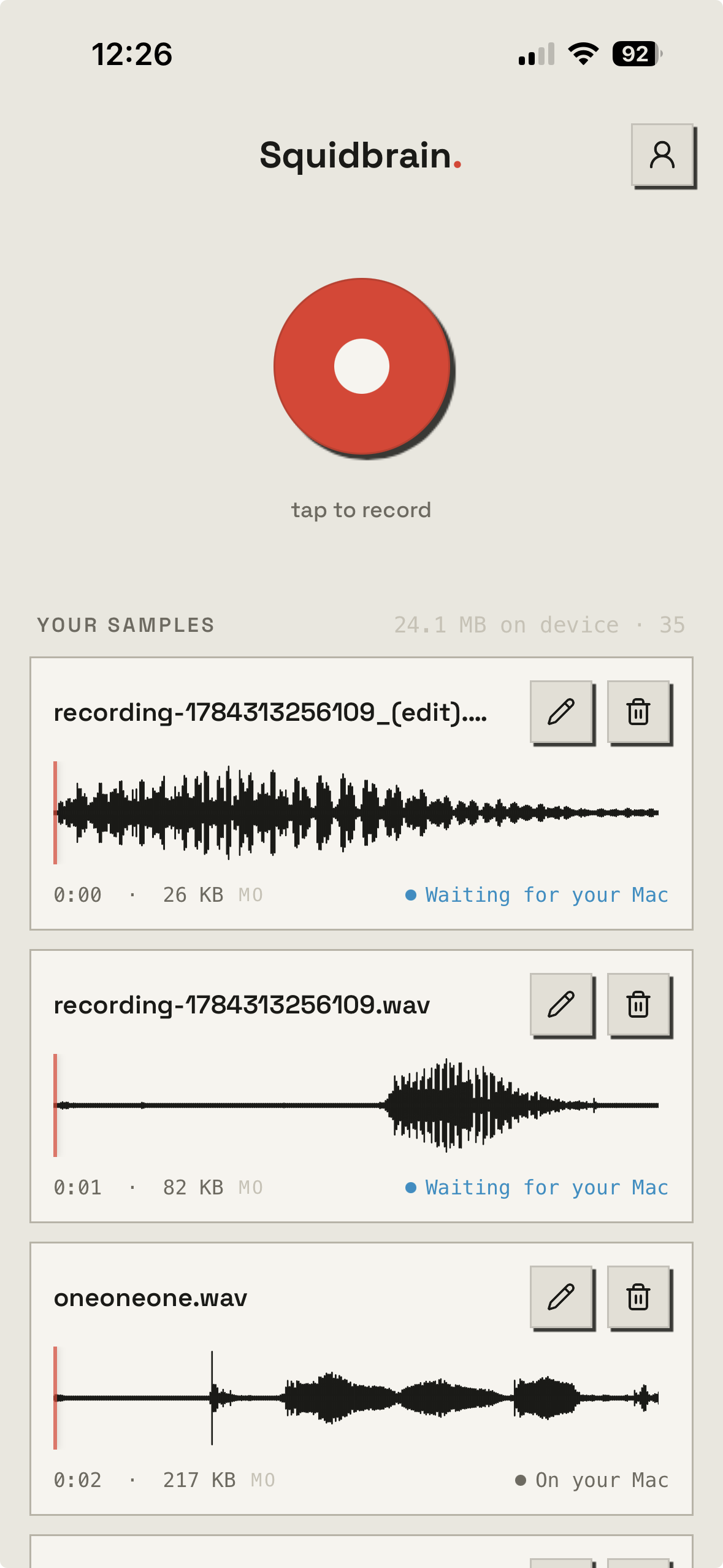
(On your phone)
On iPhone you can start a recording from the Lock Screen or Control Centre, so a passing car or a broken tannoy doesn't need you to unlock the phone and find an app first. When you press stop, the capture sends itself.
Android works too, but it's earlier days: recording and sending are solid, while the Lock Screen shortcuts and the deeper editing are iPhone-only for now. If you're on Android, know you're a little ahead of where it's fully polished.
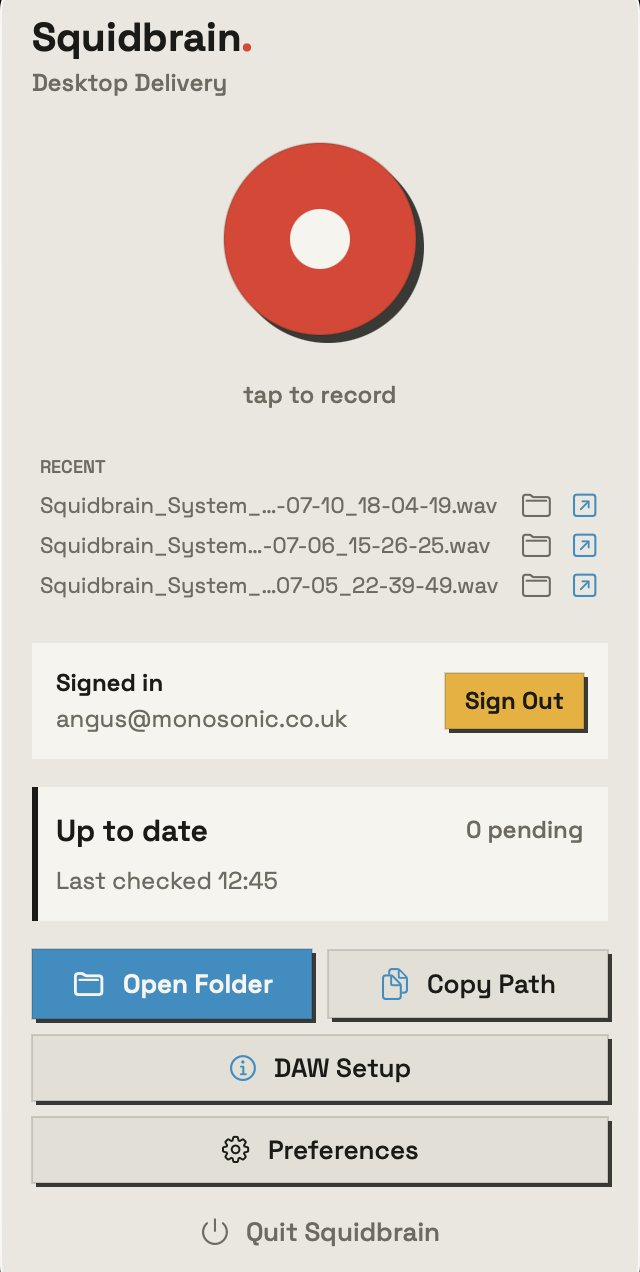
(Off your computer)
A break in a YouTube video, a pattern from a drum-machine app, a synth on your line-in. One click in the menu bar records the system audio straight to a WAV, no routing tools, no ripper sites.
On Mac and Windows both — recording your computer's audio and delivering captures works on either. The bigger Studio, your Library and the editor on the desktop, is on Mac today, with Windows in final testing right behind it.
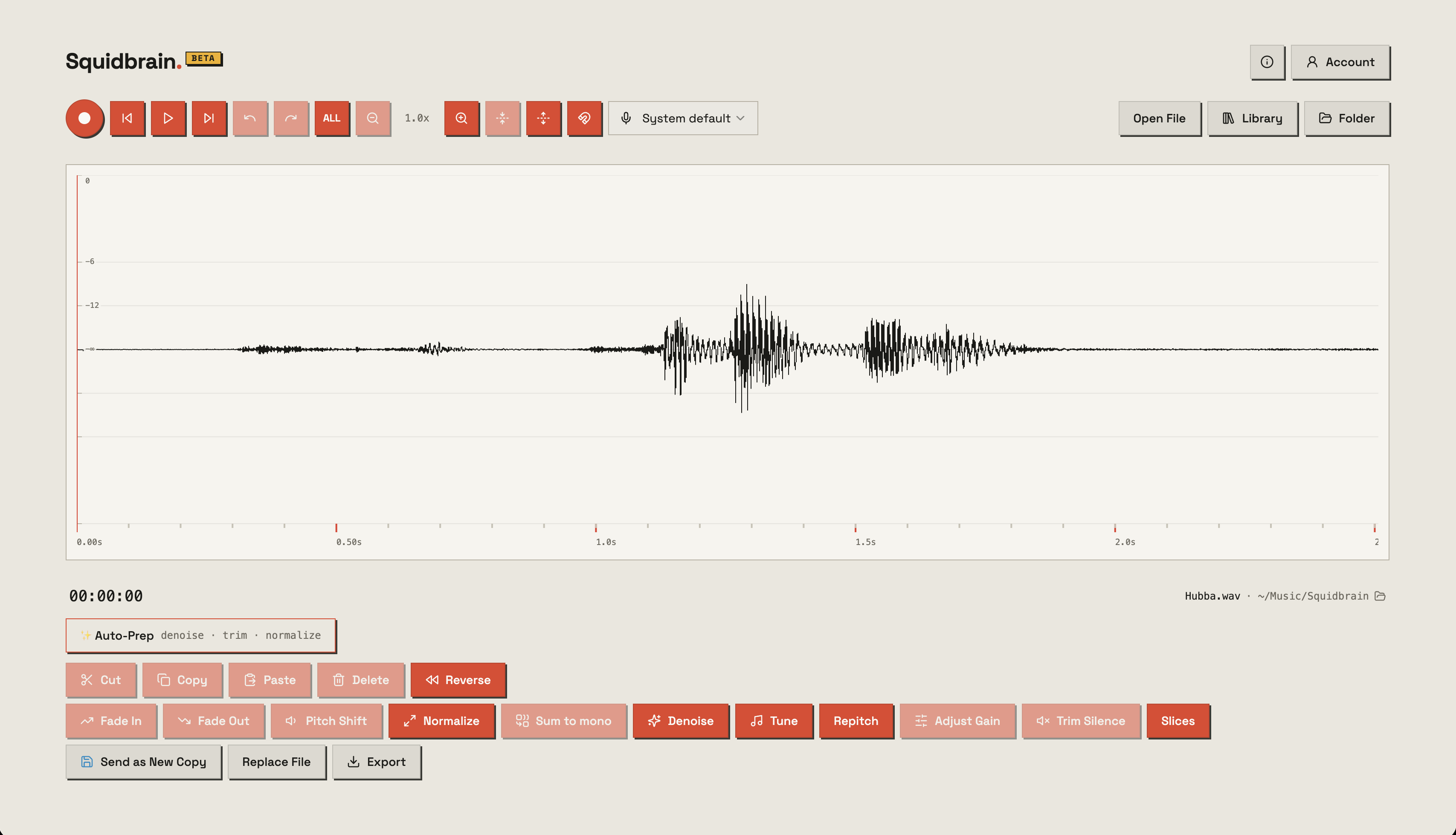
(In the browser)
Hit record in the web editor and it captures right onto the waveform, ready to trim and shape on the spot. Or import a file you already have.
(Prepare · the editor)
The full editor lives in the desktop app, right beside your Library — and it runs in your browser too, if that's where you are. The phone carries the same core tools for when you're away from a desk. They share one audio engine, so an edit sounds the same wherever you make it.
On your desktop
On the phone
(Prepare · your hardware)
Pick your device and Squidbrain formats the WAV the way it needs it — sample rate, bit depth, mono or stereo, splice or slice markers — so it just loads. Your captures, ready for the gear you already own — formatted right where you record, edit and keep them.
Rolling out through the beta — tell us what you run and we’ll move it up the list.
(Organise & find · the library)
Every capture is described as it arrives, so you can search in words instead of remembering what you called the file.
Sound tagging runs in the Mac app for now, so tags appear once a capture has been delivered to a Mac.
(Deliver & keep)
The desktop app is the quiet courier. It runs in the background, watches your account for new captures from any device, and files each one into a single folder. Point your DAW, sampler or hardware at that folder once, and every new sample is just there.
Every capture, from every device, lands in the same place, ready to drop into a track. No importing, no hunting.
Copies pass through in transit and are cleared after delivery. Your library lives on your own machines, never ours.
Once a file settles in your folder its name on disk stays put, so nothing changes underneath a project that already uses it.
These are plain WAVs in a normal folder. If you stopped using Squidbrain tomorrow, every sample you have would still be right there.
(Spec sheet)
Does not improve your taste in samples.